Symantec Endpoint Protection🔗
The following instructions are for configuring Symantec Endpoint Protection (SEP) for log ingestion into Secureworks® Taegis™ XDR.
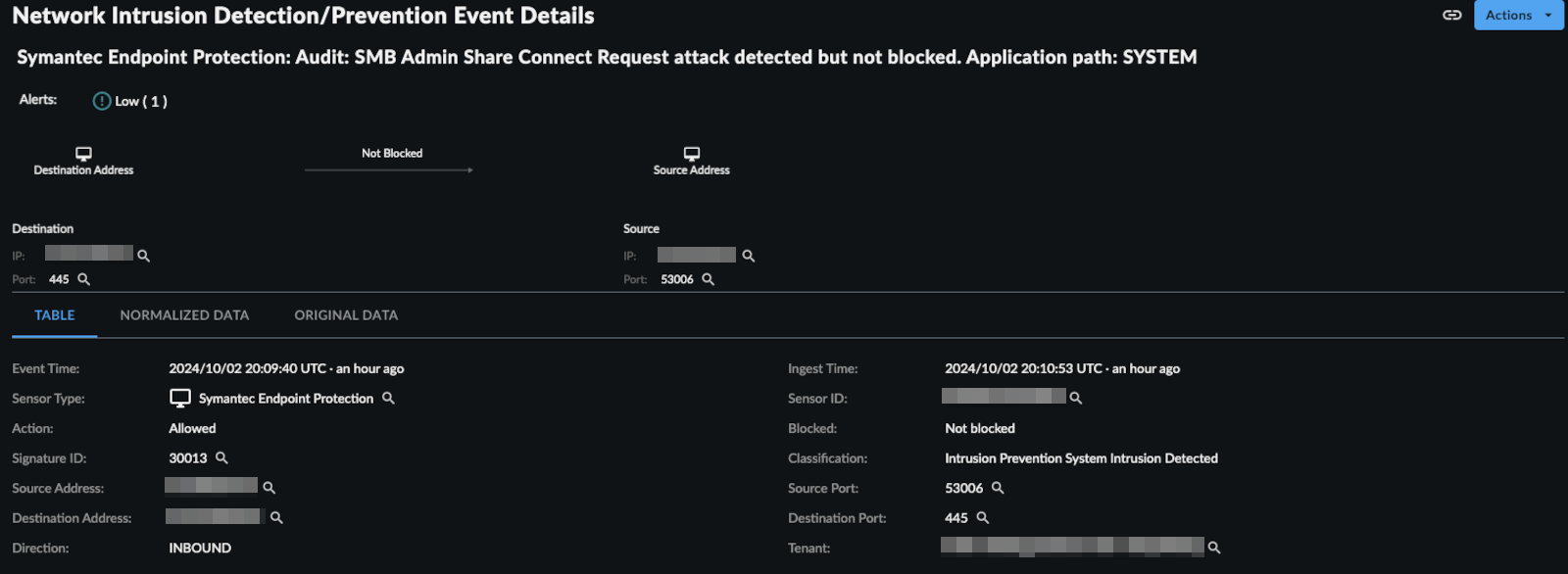
XDR normalizes the following SEP log types:
- Intrusion Prevention System
- Antivirus
- Browser Protection
Connectivity Requirements🔗
| Source | Destination | Port/Protocol |
|---|---|---|
| SEP Manager | Taegis™ XDR Collector (mgmt IP) | UDP/514 |
Data Provided from Integration🔗
| Normalized Data | Out-of-the-Box Detections | Vendor-Specific Detections | |
|---|---|---|---|
| Symantec Endpoint Protection | Antivirus, NIDS |
Note
XDR detectors are not guaranteed to be triggered, even if a data source's logs are normalized to a schema associated with a given detector. However, you can create Custom Detection Rules to generate detections based on normalized data from a data source.
Configure the Symantec Endpoint Protection Platform🔗
Register a Syslog Server🔗
Follow the instructions in the Symantec Endpoint Protection - Exporting data to a Syslog server article to configure log forwarding.
| Field | Required Value |
|---|---|
| Syslog Server | XDR Collector (mgmt IP) |
| Destination Port | 514 |
| Log Facility | Default |
Advanced Search using the Query Language🔗
Example Query Language Searches🔗
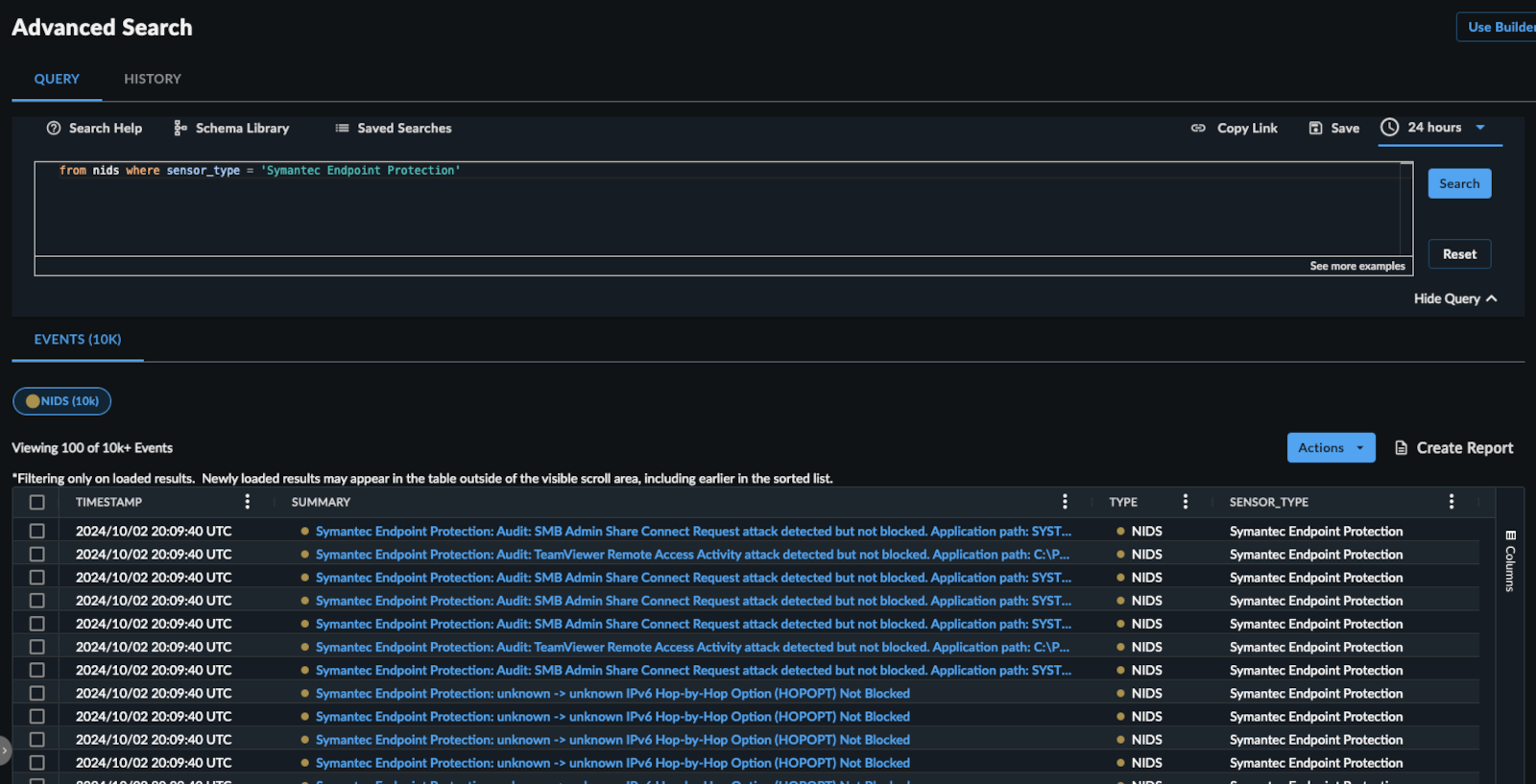
To search for antivirus events from the last 24 hours:
FROM antivirus WHERE sensor_type = 'Symantec Endpoint Protection' and EARLIEST=-24h
To search for nids events where the process was blocked:
FROM nids WHERE sensor_type = 'Symantec Endpoint Protection' and blocked = 1
To search for nids events associated with a specific host:
FROM nids WHERE sensor_type='Symantec Endpoint Protection' AND host_id = 'foo'
Event Details🔗