Brute Force🔗
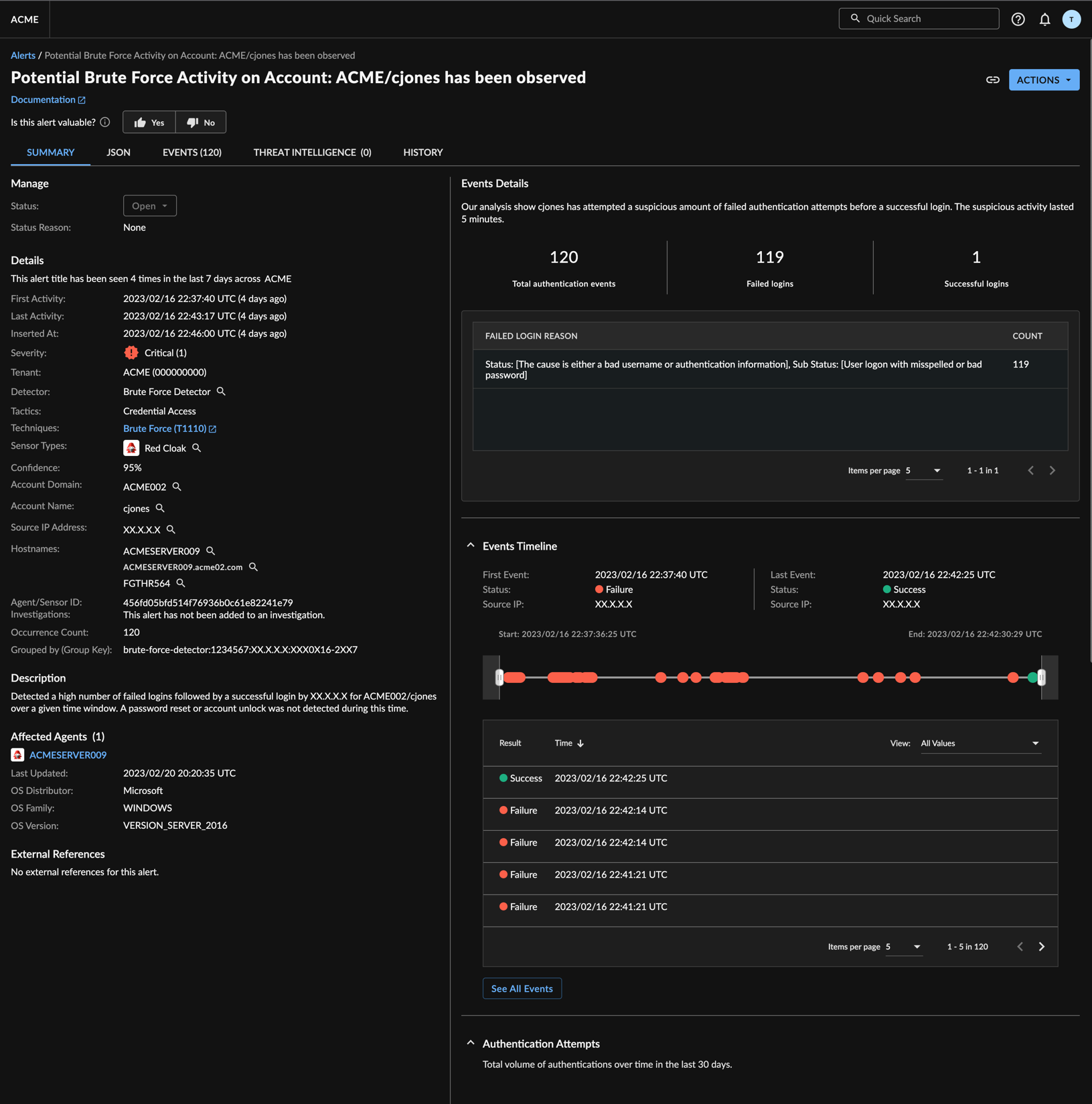
The Brute Force Detector identifies instances where a threat actor has attempted to break into an Active Directory environment by repeatedly trying different passwords in the hope that eventually a correct combination is found. The Brute Force Detector processes streams of auth events and creates a detection when there is a particular sequence of auth failures followed by a successful logon within a small time window.
Requirements🔗
This detector requires the following data sources, integrations, or schemas:
Inputs🔗
Detections are from the following normalized sources:
- Auth
Outputs🔗
Detections are pushed to the XDR Detection Database and Detection Triage Dashboard.
Configuration Options🔗
This detector is enabled by default when the required data sources or integrations are available in the tenant.
MITRE ATT&CK Category🔗
- MITRE Enterprise ATT&CK - Credential Access - Brute Force. For more information, see MITRE Technique T1110.
Detector Testing🔗
This detector does not have a supported testing method, though an Advanced Search will verify if detections originated with this detector.
Note
If no supported testing method is available, an Advanced Search will show you if any detections came from this detector if a qualifying event was observed. A search with no results does not indicate the detector is not working. A lack of search results for the detector may only indicate that the specific attack has not been observed in the tenant. However, it could indicate the underlying data is not available. Ensure the required schemas are provided in Data Sources along with the supported device type(s) for that schema.
References🔗
- Schemas